R$ 55
SISTEMA DE Concessionaria killua PARA FIVEM
R$ 55
SISTEMA DE GARAGEM COMPLETO COM BANCO DE DADOS
R$ 55
ESX Convertido para VRPEX sistema de casas com garagem e painel administrativo para casa!
R$ 55
CARROS NATIVOS DO GTA PARA FIVEM / CUSTOMIZADOS, BLINDADOS
R$ 55
HUD COMPLETA PARA FIVEM
R$ 55
QB CLOTHING / ROUPAS PARA FIVEM
R$ 55
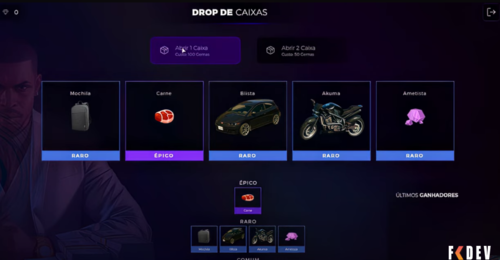
Fivem Loot Box OPEN SOURCE
R$ 55
MAPA DE MOTOCROSS PARA FIVEM
Senha: ryzedump
R$ 55
MAPA BAHAMAS CORRIGIDO PARA FIVEM
R$ 55
BASE KADUZEIRA CREATIVE ÚLTIMA VERSÃO VÁRIOS SCRIPTS PARA FIVEM
R$ 55
PACK de viaturas de São Paulo para FIVEM
R$ 55
Sistema de roubo da suricato, com se fosse um mini game.
R$ 55
Script de Pets CONVERTIDO PARA FIVEM VRPEX
R$ 55
SISTEMA DE ANIMAÇÕES DE ARMAS PARA FIVEM - STANDALONE
Definir animação de objetivo:
exports["ND_GunAnims"]:setAimAnim("gang")
Obter animação de mira
exports["ND_GunAnims"]:getAimAnim() -- default | gang | hillbilly
Configuração
Como configurar animações de mira:
Abra , para criar um comando que altera a animação de mira que você pode fazer quando o jogador usa /aim eles podem selecionar sua animação de mira. Se você quiser desativar o comando, você pode fazer . Se você quiser definir uma animação de mira padrão para todos que você pode fazer, ele definirá a animação de arma de mira de uma mão para todos os jogadores.ND_GunAnims/data/aim.luacommand = "aim"command = falsedefault = "gang"
Como configurar coldres de roupas
ND_GunAnims/data/holster.lua é a configuração que muda o modelo de roupa do coldre, você pode configurá-lo para qualquer roupa e qualquer wepaon que você gostaria. Eles são os componentes da roupa para a variação selecionada, o primeiro número é para quando a arma é estofada e o segundo é quando a arma é desestofada, para a variação você pode encontrar uma lista de números de variação abaixo:
malefemale
Cabeça
Barba
Cabelo
Torso
Perna
Mãos
Pé
Cachecóis/Acessórios para o pescoço
Acessórios 1
Acessórios 2
Decalques
Peças auxiliares para torso
Como configurar animações de coldre
Para configurar as animações do coldre para diferentes armas você pode fazê-lo em ND_GunAnims/data/animations.lua
info.animações
É aqui que você cria as animações e dá nomes a elas. Vamos usar este exemplo:
police = { holster = { dict = "reaction@intimidation@cop@unarmed", clip = "intro", duration = 400, clothing = 300 }, unholster = { dict = "rcmjosh4", clip = "josh_leadout_cop2", duration = 300, clothing = 0, cancel = true } }
holster: jogado quando você coldre a arma.
unholster: jogado quando você puxa a arma.
dict: dicionário de animação.
clip: nome da animação.
duration: por quanto tempo a animação será reproduzida.
clothing: opcional e só necessário se você usar a animação com roupas em info.clothing. É o tempo em ms de quanto tempo na animação o componente de roupa vai mudar.
cancel: cancelará a animação quando metade da duração for atingida.
info.padrão O anime padrão para armas não encontradas em grupos, armas ou roupas.
info.weaponGrupos
O nome da animação por grupos de armas pode ser encontrado aqui: https://docs.fivem.net/natives/?_0xC3287EE3050FB74C Esta é uma lista de grupos de armas relevantes:
GROUP_HEAVY
GROUP_MELEE
GROUP_MG
GROUP_PISTOL
GROUP_RIFLE
GROUP_SHOTGUN
GROUP_SMG
GROUP_SNIPER
GROUP_STUNGUN
GROUP_THROWN
GROUP_UNARMED
info.armas
Nome da animação por hash de arma, se você adicionar uma arma aqui, ela ignorará a animação em seu grupo e, em vez disso, reproduzirá um conjunto de animação específico aqui.
info.vestuário
Animação por componente de roupa, se usando roupas específicas, como um coldre, então todo o resto ignorado e esse anime é usado.
holster: animações jogadas com base em roupas quando a arma é estofada .
unholster: animações jogadas com base em roupas quando a arma está sem estofamento.
anim: nome da animação em info.animations.
weapons: lista de armas para as quais isso é válido.
variation: variação para os componentes do vestuário.
male: componentes de roupas para anime masculino serão válidos para.
female: componentes de roupas para anime feminino serão válidos para.
R$ 55
R$ 55
SERVIÇOS DE TREM PARA CREATIVE FIVEM
R$ 55
MAPA PARA FESTAS NA PRAIA FIVEM
R$ 55
GANG UNDERGROUND HIDEOUT FIVEM / MAPA SUBTERRANEO PARA FACÇÕES FIVEM
R$ 55
SISTEMA DE COMÉRCIO PARA FIVEM
R$ 10
Olá!
Segue um script que desenvolvi para você colocar no Discord da sua cidade, agora o player vai executar e pronto, vai limpar pasta do Fivem, veja tudo que o meu script oferece:
Vai limpar a pasta: FiveM Application Data somente os arquivos necessários;
Vai limpar as pastas TEMP do Windows;
Vai baixar e instalar a última versão do Fivem;
Chega de ficar ensinando cada jogador a fazer esse procedimento.
Como funciona:
Baixe o arquivo .bat, para os cautelosos, pode abrir o arquivo > botão direito do mouse clique em editar com notepad e veja o que tem, depois disso execute como administrador e pronto, tudo será limpo e um novo Fivem será instalado e atualizado.
Bônus:
Para verificar a integridade dos arquivos do seu GTA, Siga os passos abaixo, inicie o jogo enquanto estiver conectado à Internet para que você obtenha o patch mais recente. Ele será aplicado automaticamente se você não o tiver.
Atualize seus drivers para as versões mostradas aqui (ou superiores).
NVIDIA: http://www.nvidia.com/Download/index.aspx
AMD: http://support.amd.com/en-us/download
Baixe e instale o Rockstar Games Launcher:
https://socialclub.rockstargames.com/rockstar-games-launcher
Verificar os arquivos do jogo:
Rockstar Jogos Lançador: https://support.rockstargames.com/articles/360036000713/
Lançador de Vapor: https://support.rockstargames.com/articles/360049312234/
Lançador Epic Games: https://support.rockstargames.com/articles/360050083313/
Veja o Vídeo com as devidas informações:
R$ 55
SISTEMA DE NOTIFY LITE PARA FIVEM
R$ 55
SETGROUP - SETAR MEMBRO EM QUALQUER GRUPO FIVEM
R$ 55
CRIADOR E SELECIONADOR DE PERSONAGEM HYPE FIVEM (ENCRIPTADO)
R$ 55
NOVA Favela Paraisópolis FIVEM
R$ 55
NATION BENNYS - NUI MODIFICADA BY HIDEKI FIVEM
Está com os ícones corrigidos, devo lançar outras melhorias por aqui.





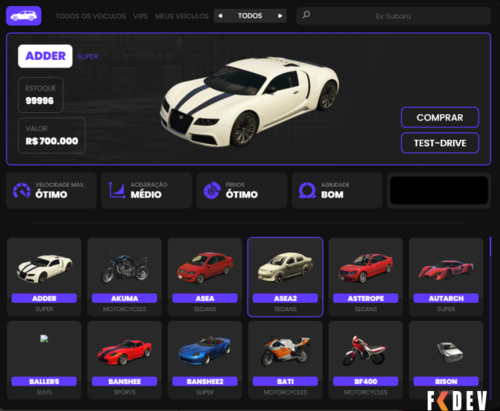 R$ 55SISTEMA DE Concessionaria killua PARA FIVEM
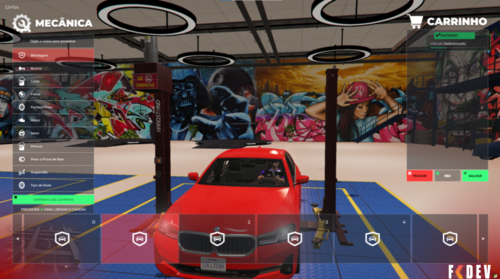 R$ 55SISTEMA DE GARAGEM COMPLETO COM BANCO DE DADOS
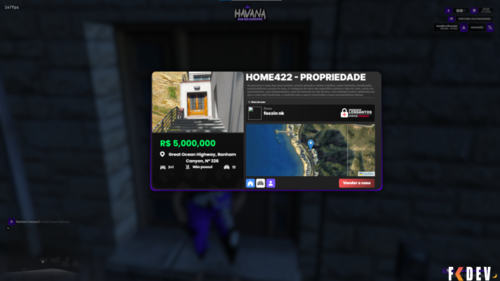 R$ 55ESX Convertido para VRPEX sistema de casas com garagem e painel administrativo para casa!
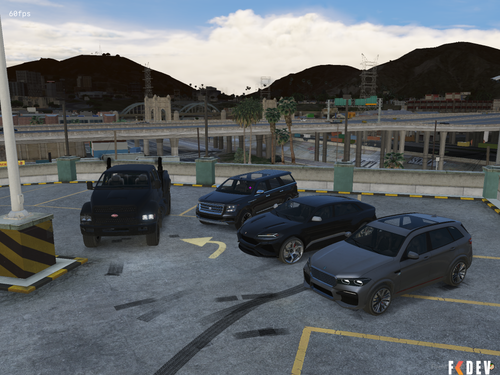 R$ 55CARROS NATIVOS DO GTA PARA FIVEM / CUSTOMIZADOS, BLINDADOS
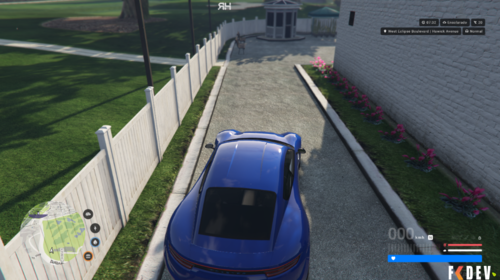 R$ 55HUD COMPLETA PARA FIVEM
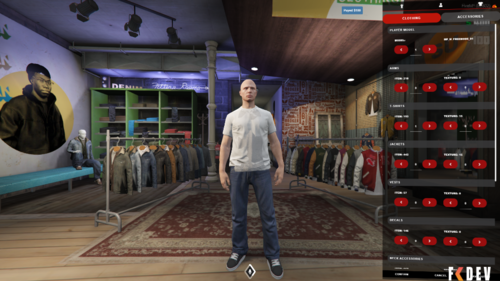 R$ 55QB CLOTHING / ROUPAS PARA FIVEM
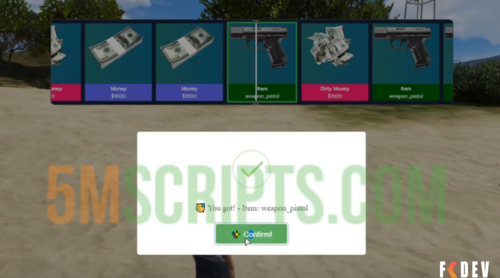 R$ 55Fivem Loot Box OPEN SOURCE
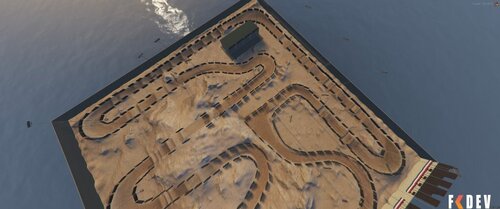 R$ 55MAPA DE MOTOCROSS PARA FIVEM
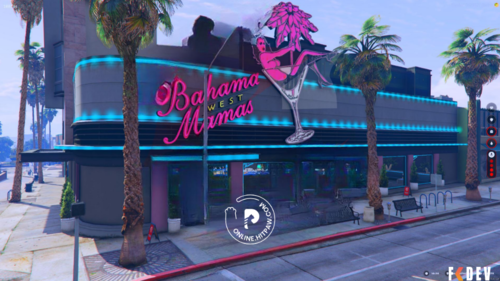 R$ 55MAPA BAHAMAS CORRIGIDO PARA FIVEM
 R$ 55BASE KADUZEIRA CREATIVE ÚLTIMA VERSÃO VÁRIOS SCRIPTS PARA FIVEM
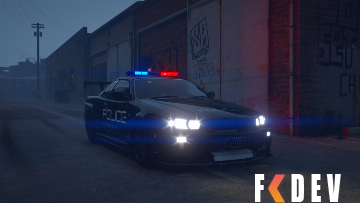 R$ 55PACK de viaturas de São Paulo para FIVEM
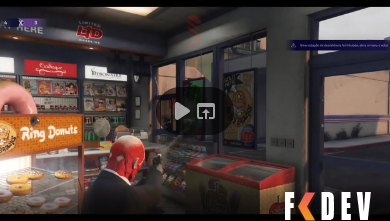 R$ 55Sistema de roubo da suricato, com se fosse um mini game.
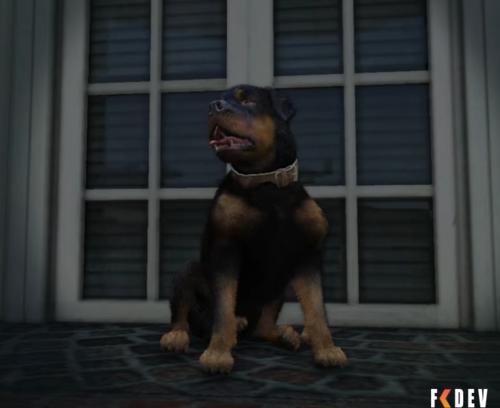 R$ 55Script de Pets CONVERTIDO PARA FIVEM VRPEX
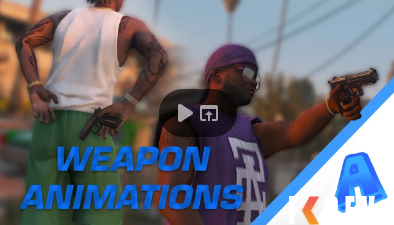 R$ 55SISTEMA DE ANIMAÇÕES DE ARMAS PARA FIVEM - STANDALONE
 R$ 55Por Hideki0 11
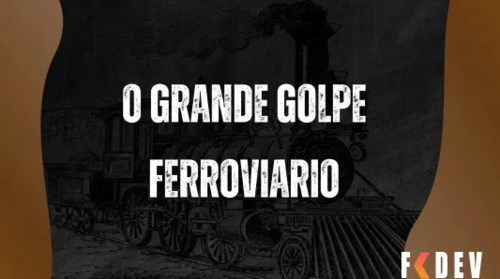 R$ 55SERVIÇOS DE TREM PARA CREATIVE FIVEM
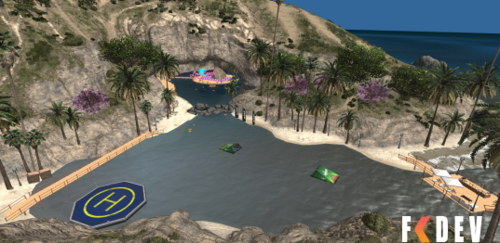 R$ 55MAPA PARA FESTAS NA PRAIA FIVEM
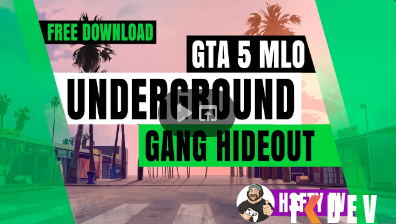 R$ 55GANG UNDERGROUND HIDEOUT FIVEM / MAPA SUBTERRANEO PARA FACÇÕES FIVEM
 R$ 55SISTEMA DE COMÉRCIO PARA FIVEM
 R$ 10Olá!
 R$ 55SISTEMA DE NOTIFY LITE PARA FIVEM
 R$ 55SETGROUP - SETAR MEMBRO EM QUALQUER GRUPO FIVEM
 R$ 55CRIADOR E SELECIONADOR DE PERSONAGEM HYPE FIVEM (ENCRIPTADO)
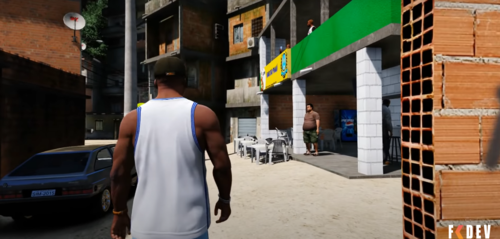 R$ 55NOVA Favela Paraisópolis FIVEM
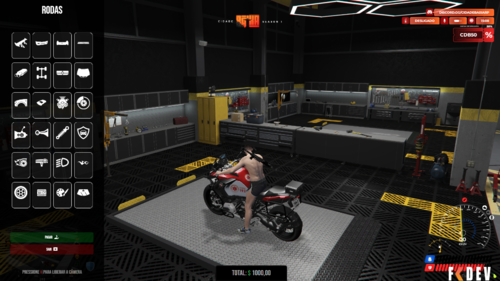 R$ 55NATION BENNYS - NUI MODIFICADA BY HIDEKI FIVEM