



Descrição do Arquivo
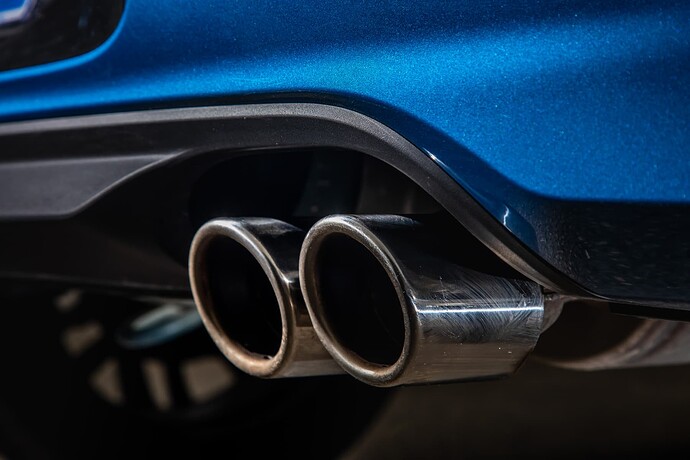
60 SONS DE CARROS / 60 CARSOUND FIVEM
Deixe os seus carros mais irados..
Tutorial em Inglês:
English :
Vehicle Sound Modification Guide
This guide provides instructions for modifying vehicle sounds in FiveM using the "carsound" resource. Follow the steps below to add or modify vehicle sounds according to your preferences.
Step 1: Installing the carsound Resource
Make sure you have already installed FiveM on your server. To add the "carsound" resource, follow these steps:
Place the "carsound" folder into the "resources" directory of your FiveM server. In your server's server.cfg file, add the following line: ensure carsound. Restart your FiveM server to apply the changes. Step 2: Modifying Vehicle Sounds
Open the vehicles.meta file of the vehicle you want to modify. You can usually find this file in the vehicle's data folder. Look for the line that looks like this: (played sound name). This line indicates the name of the sound played by the vehicle. Replace the "(played sound name)" with the name of the sound you want to use. Use the proper format: sound_name. Make sure the sound name matches the one you have in your "carsound" resource. Example:
If you want to use the sound named "dlc_aq11bmw298cc", replace the line (played sound name) with aq11bmw298cc.
Step 3: Final Configuration
Once you have made the modifications in the vehicles.meta file, save it and restart your FiveM server to apply the changes.
I am not the creator of the sounds; they all come from the website : https://www.gta5-mods.com/
I only make this pack to make it easier for users to have several sounds in one resource.